
Thông báo cập nhật
Introducing a New NoraClass Feature: the 3D Lecture Page Manager
To raise the quality of digital teaching, NoraClass introduces the Page Manager, a new feature that lets teachers divide a 3D lecture into clear sections, helping them organise lessons along the right line of knowledge and each learning objective.
By NoraClass - Thư viện & Công cụ thiết kế bài giảng 3D · May 8, 2025
Teachers are growing to love NoraClass – and will love it even more now
On the journey of accompanying thousands of teachers across the country, NoraClass has become a close friend: a place where teachers put their creativity, ignite their passion for teaching and renew their teaching methods every day. Teachers love NoraClass not only for its vivid 3D models, but because it is a platform that always puts the teacher's experience first, listening to even the smallest needs in order to keep improving.
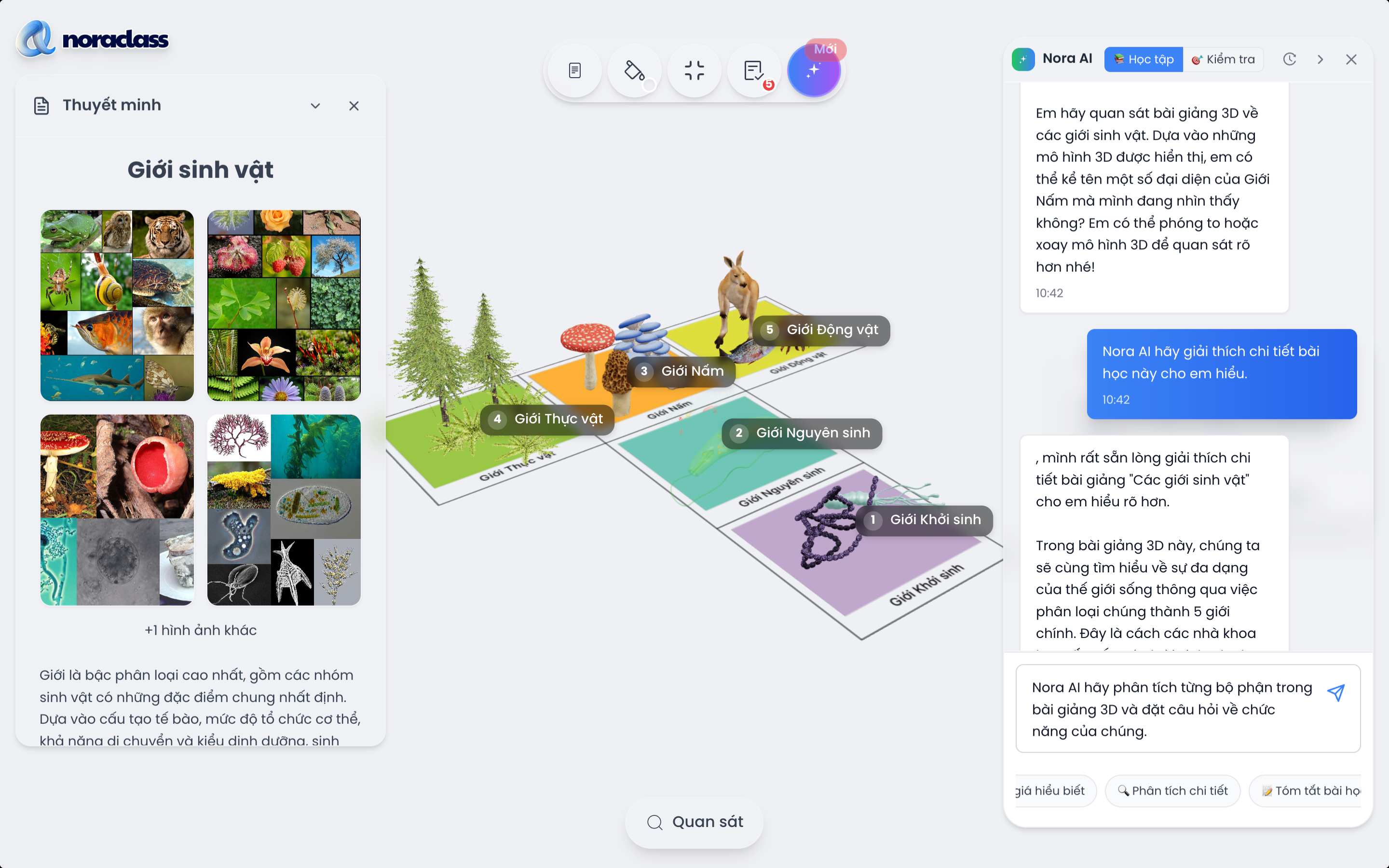
Since the early days of deployment, many teachers have used NoraClass in direct teaching, designing 3D lectures right in class, even though they had to fit all the models, images and content into one frame. Our team has had the chance to observe lessons: teachers remain creative and keep teaching with their natural flexibility, but across each session the need for a tool that organises content more coherently has become increasingly clear.
We sat down with education experts and teachers in the NoraClass community to look more deeply at how students take in knowledge, how teachers design the flow of a lesson, and how a lesson needs to be paced to create stopping points, highlights and connection points. From principles such as scaffolding (learning step by step in sequence), cognitive load (reducing mental load) and one-objective-per-scene (each segment corresponds to one objective), we developed a new improvement: the Page Manager.
We believe this feature will help teachers organise their teaching process more tightly, more coherently and more personally for each class.
What is the Page Manager?
The Page Manager lets teachers divide a 3D lecture into several smaller parts, corresponding to specific steps or teaching objectives, instead of cramming all the content into a single frame as before.
Each Page can be likened to a unit of knowledge, a scene, or a part of a digitised textbook, with its own space for teachers to build suitable content and activities. As a result, the lesson structure becomes clear, each step has a specific objective, and each Page supports memory, coherent teaching and more effective control of the class.
In terms of operation, teachers can easily create new Pages, rename them, arrange them or present them in the lecture design interface. More importantly, the feature is built on modern pedagogical principles such as chunking (breaking the learning process into parts), one learning objective per step, and cognitive load reduction. As a result, each lecture is not only attractive but genuinely effective in teaching and in students' uptake of knowledge.
![[IMG]](https://cdn.sanity.io/images/jv13pgfv/production/d0a0cabfd8e89d3cc3f8bbb81a691680388ed9bb-2194x1080.gif)
Why should teachers try it?
When a lecture is divided clearly into Pages, teachers no longer need to split each part into multiple separate files or struggle to fit content into one messy frame. Everything can be designed seamlessly within the same lecture, from the warm-up to developing knowledge and the summary, in a scientific and easy-to-operate way.
The Page Manager saves considerable time while increasing control over the teaching process. Teachers can quickly change the order of Pages, update content, or adjust their teaching in response to students' reactions. For students, the lecture is easier to absorb, because each part of the content has its own space with a clear start and end, like turning the pages of a book.
In a context where teachers teach across multiple environments (classroom, online, individual practice), this feature also opens the way to reusing and sharing lecture content more flexibly and professionally than ever.
For those who have loved NoraClass for its visual quality, liveliness and time savings, the Page Manager will make that love even more complete, because every lecture now has a scientific structure, clear objectives and a logical flow, exactly in the spirit of an effective class.
Quick user guide
Step 1: Access NoraClassOpen your browser and go to https://noraclass.com. After logging in, on the home page, the teacher clicks "Create publication" and clicks "Create new" to start writing a 3D lecture.
![[IMG]](https://cdn.sanity.io/images/jv13pgfv/production/b55853a8b8e27d792e473891fbfdeb7897519aef-920x435.png)
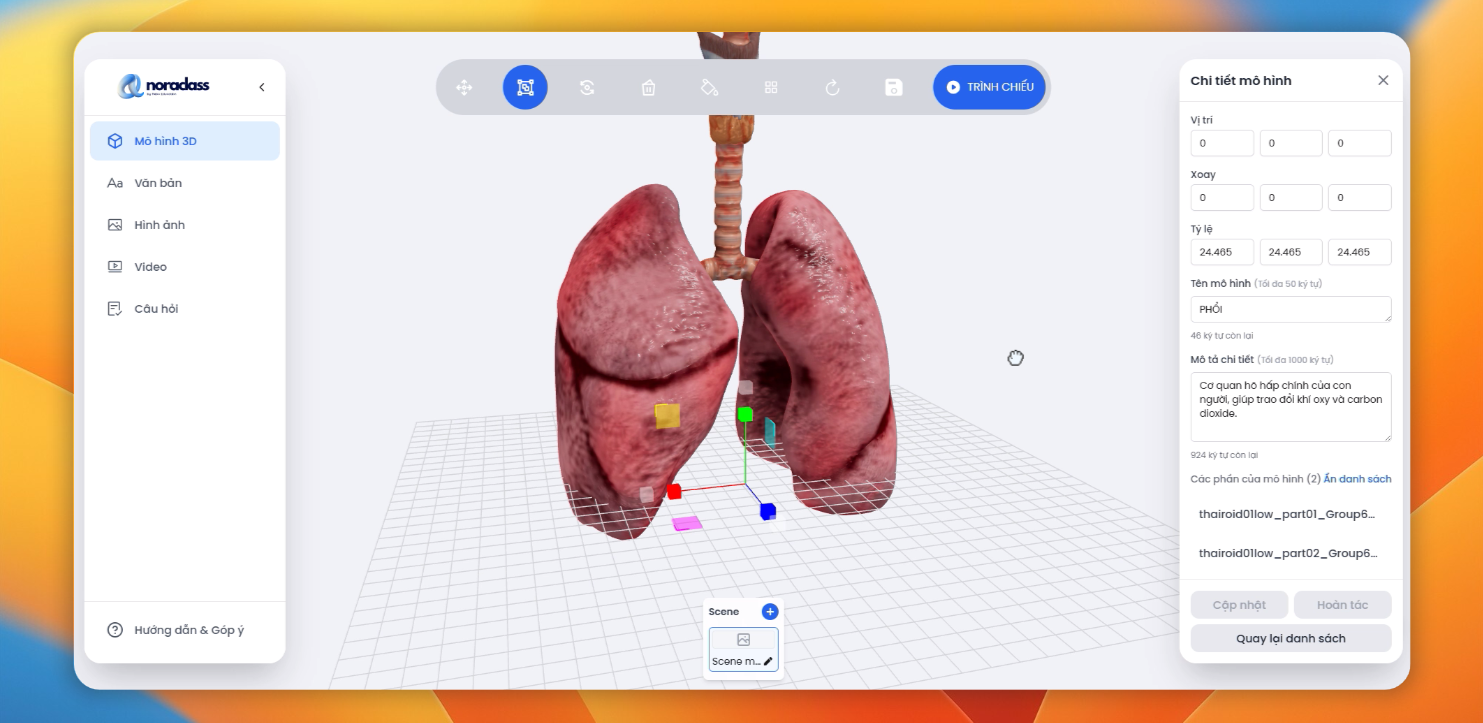
Step 2: Start with the first PageWhen the Design Space appears, the system automatically creates a first Page, which is where the teacher starts building the lecture content. They can insert 3D models, add images, notes, titles and so on, as usual.
![[IMG]](https://cdn.sanity.io/images/jv13pgfv/production/45ebba2dca7e6b192958a810f372b0d755a0f18d-1790x842.png)
Step 3: Add new PagesWant to divide the lecture into several parts? Very easy. Teachers simply click the "+" above the Page bar and a new Page is created at once. There, they can keep adding 3D models, explaining content, asking questions or building a completely new scene.
![[IMG]](https://cdn.sanity.io/images/jv13pgfv/production/9580d6cf9f1a706b1d5b3a69e0167fc6bda74321-708x312.png)
Step 4: Name and manage each PageNaming each Page helps teachers organise the lecture scientifically and track it easily. Just click the pen icon next to the Page name to edit it, then type a title that suits the teaching content, and you are done.
![[IMG]](https://cdn.sanity.io/images/jv13pgfv/production/8c802eb4e22f445965215b28706cab286aab56ed-789x350.png)
Step 5: Present and interact flexiblyWhen the lecture is ready, click the "Present" button to switch to full-screen presentation mode. Each Page is shown as a thumbnail below, helping teachers move easily between parts of the lecture. This is when students are guided step by step, learning while visualising the content most clearly.
![[IMG]](https://cdn.sanity.io/images/jv13pgfv/production/d24f12c7b4bb71bb0a613a3a821b19fbfdb8cdca-588x295.png)
When the lecture content is fully built, teachers can switch to presentation mode to guide students directly in class or in an online learning environment. To begin, simply click thePresent button in the toolbar of the Studio interface.
The lecture immediately switches to full-screen mode. Below the screen is a list of the lecture's Pages shown as small thumbnails, giving teachers an overview and making it easy to navigate. Just click a thumbnail to display that Page's content, or use the left/right arrow buttons to move smoothly through each part of the lecture.
Presentation mode not only makes delivery more professional and visual, but also helps students focus and take in knowledge part by part, clearly and in sequence.
![[IMG]](https://cdn.sanity.io/images/jv13pgfv/production/94525818e7d160b55ef6ae9345e1a1a234b1e35e-1135x803.png)
With this detailed guide, we hope teachers will easily get to know the new feature and make the most of its power, bringing visual, coherent and engaging lessons to students. If you run into difficulties, do not hesitate to contact the NoraClass support team for a timely answer.
Closing words
The Page Manager is a door opening to a clearer, more effective and better-organised way of teaching in 3D. Each page of a lecture is a firm step in students' learning journey, helping teachers control the content well, increase interaction and clearly guide each part of the knowledge.
In the coming period, NoraClass will keep updating and improving the Page Manager, adding advanced presentation features, smooth transitions, voice support, and tools to sync with the lecture script. Every idea from teachers will be a precious resource for our team to keep improving.
If you find the Page Manager useful, send a short message via Zalo to the NoraClass team. Even a single line saying "I really like this feature" is a great encouragement for the development team, the people who listen and act every day for Vietnamese teachers.
Let's keep accompanying each other, giving feedback and sharing, because NoraClass is not just a tool. It is a community where every teacher has a voice and is a co-creator.
If you need support or want to share feedback, you can contact the NoraClass team through: Email: [email protected] Hotline/Zalo: 0587 277 840 Join the NoraClass teacher community:Zalo group chat
Need advice?
Leave your details and we will get back to you.